How to Add a Pickleball Booking Link to Google Maps
Turn nearby searches into court reservations with a venue-specific booking link on your Google Business Profile.
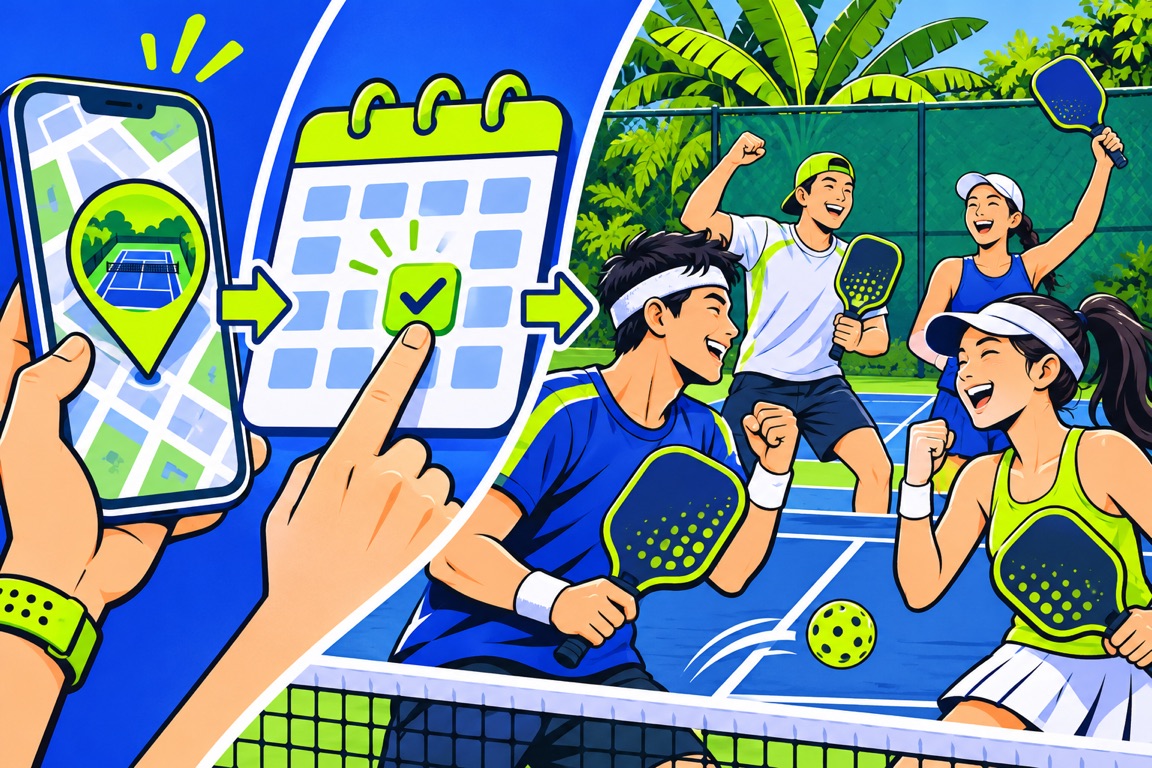
Why the booking button matters
Someone searching for “pickleball near me” may already know when they want to play. Put the next step beside your hours and directions. A direct booking link lets players check the exact venue, compare slots and reserve before they lose their group’s momentum. The result to measure is completed bookings from Maps.
Add the link to your Google Business Profile
Sign in to the account that manages your verified profile. Find your business in Google Search and look for Booking. In Google Maps, open Edit profile and look for the booking option. If available, add your full booking URL and save. If several booking links appear, select your direct link as Business preferred where the option is offered. The booking feature depends on eligibility.
Send players to a page that can take a reservation
Use the specific branch’s booking page, with available times, VND prices, deposit terms and a confirmation step. Google’s action-link rules require a location-specific landing page and a way to complete the action. Keep Zalo for customer support and use the booking page for the reservation. For multiple branches, give each listing its own venue link.
Test from a player’s phone
Open the public listing in Maps and follow the link without signing into your staff account. Check the branch, local time, mobile layout and confirmation. If the link fails review, check that the destination loads publicly and supports the advertised action. Keep your profile’s website field current as another way to reach your club.
Track bookings from Maps
Where your booking page supports campaign parameters, use a dedicated tag such as utm_source=google&utm_medium=organic&utm_campaign=maps_booking. Compare visits with completed reservations for a full month. If visitors reach the page and leave before choosing a slot, check hard-to-read prices, empty availability and sign-up friction first.
Google’s guide to Business Profile links · Google’s business link policies
